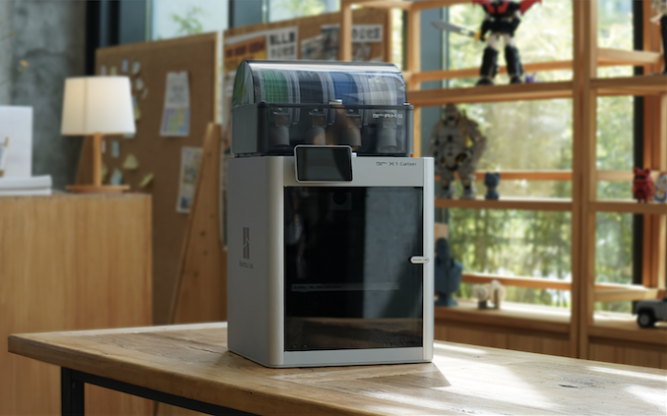
FDM 3D printing turns a digital model into a physical part by melting filament and placing it one layer at a time. Modern printers automate much of the setup, but understanding the basic workflow makes it far easier to choose settings, diagnose a failed print and get repeatable results.
The printing process in six steps
- Choose or design a model. Download a licensed 3MF or STL file, or create your own part in CAD. A 3MF can also store orientation, supports and slicer settings.
- Prepare the model in Bambu Studio. Select the exact printer, nozzle size, build plate and filament profile. Orient the model so important surfaces print cleanly and the part is strong in the direction it will be loaded.
- Slice the model. Bambu Studio converts the model into toolpaths. Check the Preview layer by layer before sending the job.
- Prepare the printer. Use a clean plate, load dry filament and confirm the nozzle and plate shown in Studio match the hardware.
- Watch the first layer. Lines should be continuous, gently flattened and joined together. Stop early if they are loose, round or being dragged by the nozzle.
- Remove and finish the part. Let the plate cool, flex it gently, then remove supports and inspect the print before changing several settings at once.
What the main slicer settings do
- Layer height: smaller layers improve fine detail but increase print time. A 0.20 mm profile is a dependable starting point with a 0.4 mm nozzle.
- Walls: more wall loops usually improve practical strength more efficiently than very high infill.
- Infill: supports internal surfaces and distributes loads. Most everyday parts do not need solid infill.
- Supports: temporary structures under steep overhangs. Re-orienting the model can often reduce them.
- Brim: a removable outline that gives narrow or warp-prone parts more contact with the plate.
A reliable first-print checklist
- Use a known filament profile and leave advanced settings at their defaults.
- Wash a contaminated build plate with warm water and plain dishwashing liquid, then avoid touching the print area.
- Dry filament that pops, bubbles, strings excessively or has been exposed to humid air.
- Use Bambu Studio’s Preview to check supports, overhangs, seams and the first layer before printing.
- Change one variable at a time and save successful settings as a named filament preset.
Beginner tip: start with PLA or PLA PRO. Once you can produce a clean first layer and consistent walls, move to PETG, then enclosed-printer materials such as ABS or ASA.
What can you make?
FDM printers are excellent for prototypes, jigs, fixtures, organisers, replacement covers, brackets, educational models, display pieces and low-volume functional parts. The best material and print orientation depend on heat, UV exposure, impact, flexibility and load direction—not just how the part looks.
Finding models safely
Popular model libraries include MakerWorld, Printables, Thingiverse, MyMiniFactory, Cults and GrabCAD. Check the licence before printing or selling a model, and inspect downloaded projects rather than assuming every included profile suits your printer and filament.